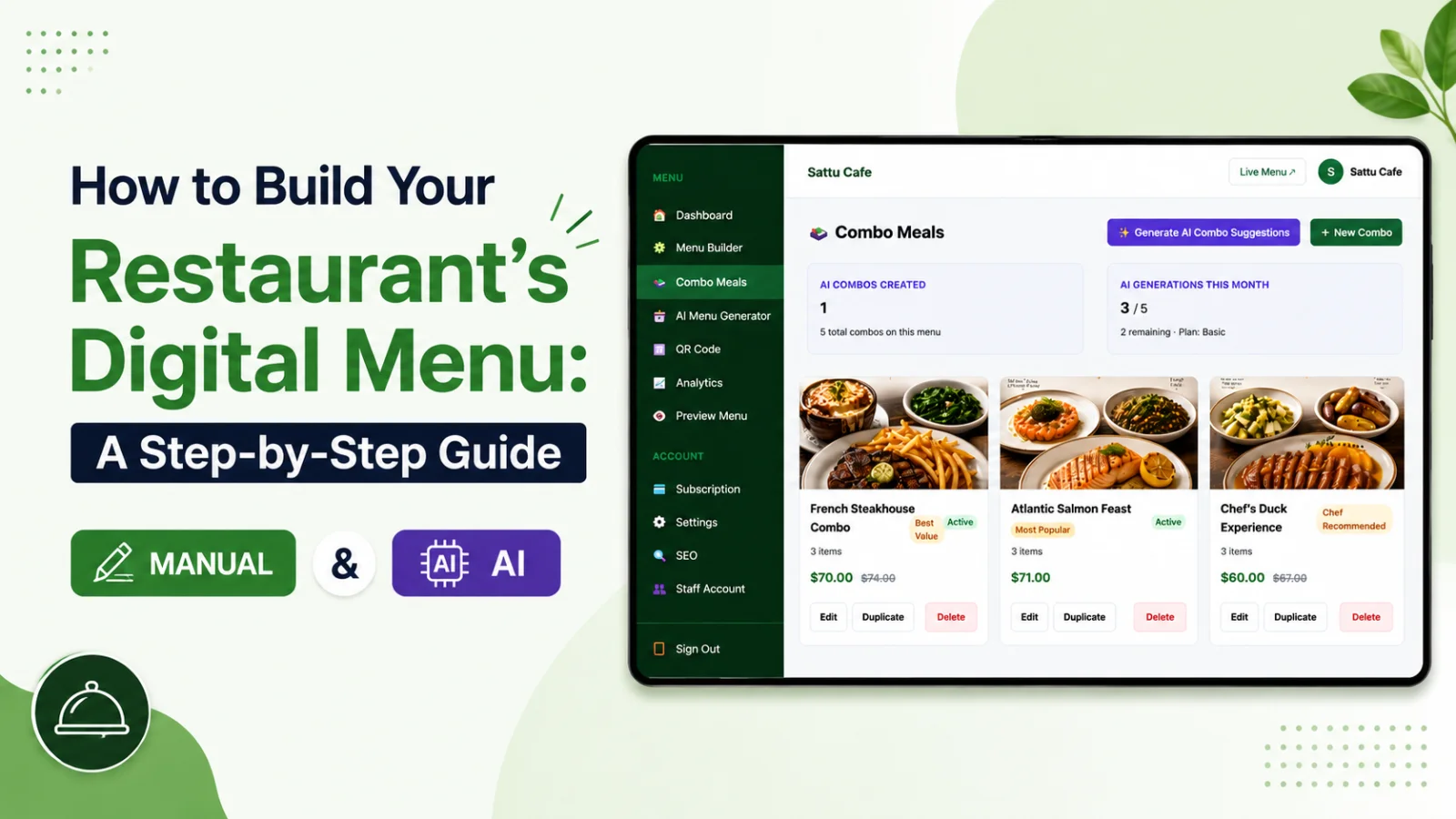
The single biggest reason restaurants put off going digital is the thought of re-typing their entire menu. Forty dishes, prices, descriptions, categories — by hand, on a screen, after a long shift. It is enough to keep the project on the "someday" list forever.
The AI Menu Generator removes that barrier completely. Give it your existing menu in almost any format and it returns a structured digital menu in seconds. Here is how it works and how to get the cleanest result.
What it does
The generator reads your menu and automatically organises it into categories, items, descriptions and prices. Instead of building from a blank screen, you start from a near-complete menu and simply refine it. The job changes from data entry to editing — and editing is far faster and far less tedious. What used to take an afternoon takes a couple of minutes.
What you can feed it
Paste your menu as text, or bring across whatever you already have. Because it interprets the content rather than relying on a rigid template, messy real-world menus are fine. Mixed formatting, inconsistent spacing, the odd typo — it works out the structure and sorts it for you. You do not need to clean anything up first.
Getting a clean result
The AI does the heavy lifting, but a few habits make the output even tighter:
1. Give it the clearest version of your menu you have — fewer typos in means fewer fixes out.
2. Let it generate, then scan top to bottom for anything misread, especially prices and unusual dish names.
3. Merge or rename categories so the navigation matches how you want guests to browse.
4. Add a sensory word or two to any descriptions the AI kept plain.
Use it for more than the first build
The generator is not only for launch day. Bringing in a seasonal menu, a new drinks list, or a one-off event menu? Paste it and let AI structure the new section, then publish it alongside your existing menu. Your monthly allowance of AI imports refreshes with your plan, with higher limits on Pro for restaurants that change their menus often. For a venue that runs frequent specials, that turns a recurring chore into a thirty-second task.
A quick reality check
AI is excellent at structure and speed, but you know your food. Always give the result a human read before publishing — confirm prices, check any allergen-relevant wording, and make sure nothing was merged incorrectly. Think of the AI as the fast first draft and yourself as the editor with the final say. That division of labour is where the magic is: the machine handles the boring part, you handle the judgement.
Why it matters
Every minute you do not spend typing is a minute spent on service, costs, or your guests. By collapsing menu entry from hours to minutes, the AI Menu Generator changes "going digital" from a daunting project into a same-day decision. The thing that was keeping you on paper — the sheer effort of the switch — simply stops being a reason.
What the AI handles, and what you finish
It helps to know exactly where the line falls between machine and human. The AI reliably handles the structural, repetitive work: spotting category headings, separating each dish from its price, grouping items under the right section, and drafting a plain description where one is missing. That is the part that would have eaten your evening.
What you finish is the judgement: confirming a tricky price the layout made ambiguous, renaming a category to match your brand voice, adding the sensory detail that makes a dish sing, and deciding what to feature. Think of it as the AI laying the table and you plating the food. Knowing this split keeps your expectations right — you are not handing over your menu, you are skipping the boring half of building it.
See it for yourself — start a free trial, paste your current menu, and watch it become a polished digital menu in seconds.
Frequently asked questions
Can AI turn my existing menu into a digital one?
Yes. Upload a photo, a PDF or plain text of your current menu and it is structured into categories, subcategories, dishes, descriptions and prices automatically. You review the result and correct anything it misread.
What formats can the AI menu generator read?
Photographs of a printed menu, PDF files and pasted text. Clear, well-lit images produce the cleanest results — a sharp photo of a flat menu beats a crumpled one at an angle.
Is the AI-generated menu accurate?
It is a strong first draft, not a finished menu. Prices and dish names come across well from clear sources; you should still review everything before publishing, particularly prices and any dietary labels.
Can I use the AI generator after my menu is built?
Yes. It is useful for bulk additions too — a new seasonal section or a second menu can be imported the same way rather than typed dish by dish.