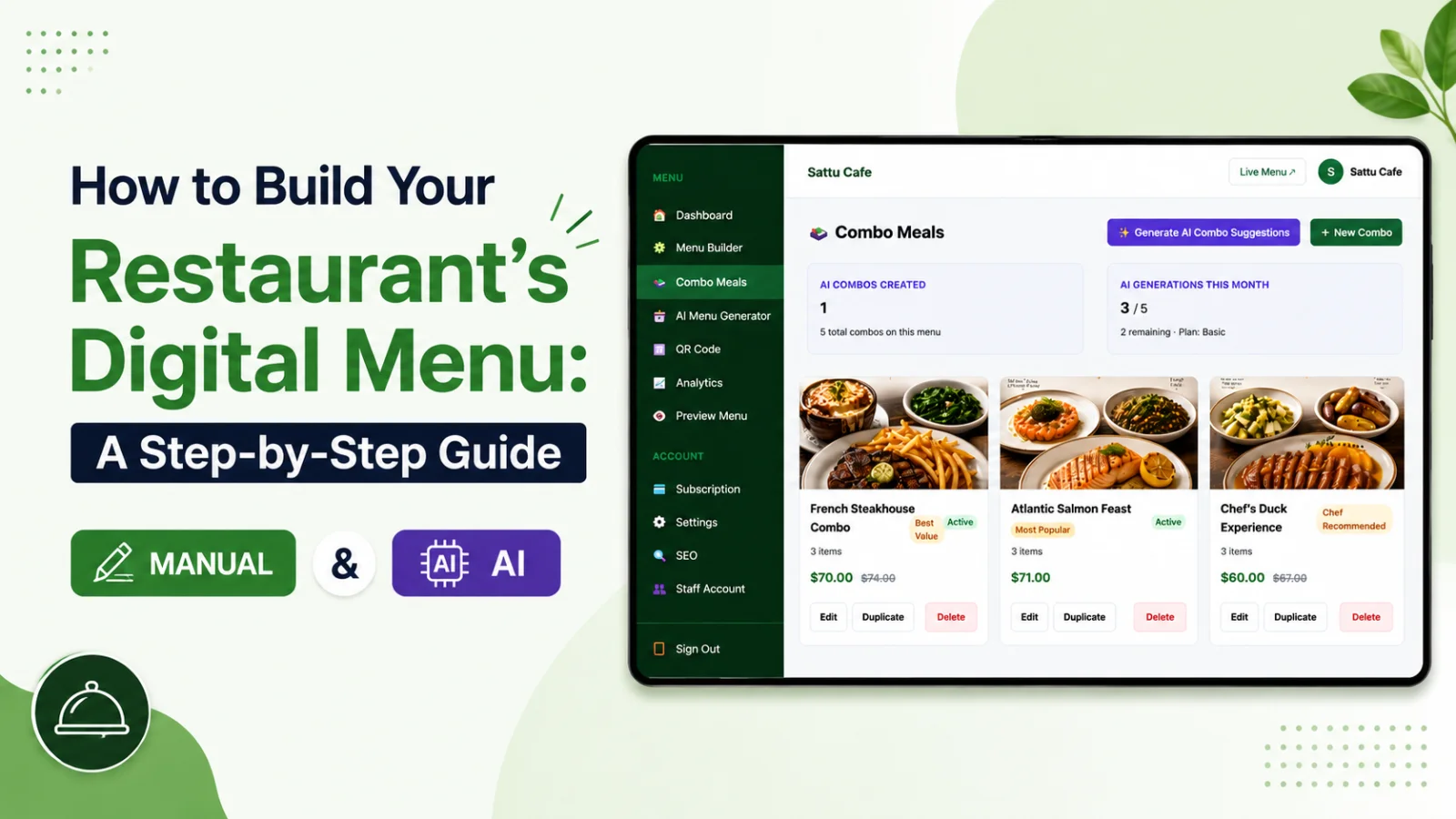
Going digital is not just about saving on printing, though you will. A well-built online menu is faster to browse, easier to update, and far better at guiding guests toward the dishes you actually want to sell. But a good digital menu still starts with good structure — the screen is smaller and attention is shorter, so clarity matters more, not less.
Here is how to make the move from paper without losing what makes your restaurant feel like yours.
Start with your categories, not your dishes
Before you type a single item, decide how guests should navigate. Clear categories — Starters, Mains, Sides, Desserts, Drinks — act like signposts. On a phone screen, a guest should be able to grasp the shape of your whole menu in a few thumb-scrolls.
If a category holds more than eight or nine items, consider splitting it so nothing feels overwhelming. "Mains" might become "From the Grill" and "From the Sea." Good categories do quiet work: they make a big menu feel browsable and help guests find the thing they did not know they wanted.
Bring your items across cleanly
You have two ways to get items in. You can add them manually in the drag-and-drop builder, which gives you full control as you go. Or you can paste your existing menu into the AI Menu Generator, which reads any format and structures it for you in seconds — then you simply review and tidy.
For most owners switching from paper, the AI route turns an afternoon of typing into a few minutes of editing. Whichever you choose, give every item a clear name and a confident price. This is the bones of the menu; you will add the flesh next.
Write descriptions that do a job
Paper menus often cram in tiny descriptions to save space. Online, you have room to let dishes breathe. A good description names the hero ingredient, hints at how it is cooked, and adds one sensory word. "Slow-braised lamb shoulder, rosemary jus, buttered mash" sells harder than "Lamb with mash" — and it costs you nothing but a moment's thought. Keep each to a line or two so it reads in a glance.
Organise for the way people order
Put your most profitable and most popular dishes near the top of each category, where eyes land first. Group naturally — small plates together, sharing dishes together — so guests can build a meal without scrolling back and forth. The order of your menu is itself a recommendation; use it deliberately.
Add the details paper could not
This is where digital pulls ahead. Layer in the things a printed sheet never could:
• Photos for your signature dishes, which lift orders more than any words.
• Dietary and spicy tags so guests filter to what suits them.
• Combo meals that bundle a starter, main and drink at a set price.
• Scheduled sections so breakfast, lunch and dinner appear at the right hours.
Keep your character
Digital does not mean generic. Choose a template and colours that match your room, upload your logo, and pick a font that fits your tone — relaxed bistro, sharp fine dining, lively bar. The goal is that scanning your menu feels like an extension of walking through your door, not a detour to a faceless web page.
Launch and learn
Once your menu is live behind a QR code, you can keep improving it with zero printing cost. Notice a dish that never sells? Rewrite its description or move it up. Running low on an ingredient? Hide the item in one tap and restore it tomorrow. Your menu stops being something you reprint and becomes something you tune — a small but genuine shift in how you run the business.
What to do in your first week
Once the menu is live, resist the urge to walk away. Your first week is the best time to learn from it. Watch how guests use the menu, listen for the questions servers still get asked, and note which dishes move and which sit. Then act on what you see:
• Rewrite any description a guest seemed unsure about.
• Add a photo to a dish that is underperforming versus its neighbours.
• Reorder a category so your strongest dishes sit nearer the top.
• Hide a frequently sold-out item so it stops disappointing people.
None of this costs a reprint. That is the quiet superpower of a digital menu: it improves with small, free adjustments rather than expensive overhauls, so the version your guests see next month is better than the one you launched with.
Make the switch today — start your free 30-day trial and have your first digital menu live in an afternoon.
The thing paper could never do: take the order
Everything so far has been about presenting your food better than a printed card could. But the real gap between paper and digital is not presentation — it is that a printed menu can only ever describe. It cannot act.
Turn on WhatsApp ordering and the menu starts doing work. A guest taps what they want, sends it to your WhatsApp, and the order lands with the table number, the quantities and the total already filled in. No app for them to download, no account to create, no commission to a delivery platform.
For a small team this removes a genuine bottleneck. Orders arrive written down rather than shouted across a room, so there is less to mishear and less to forget. And because every order is also stored in your dashboard, the end of the night gives you a record of what actually sold — something a stack of paper menus was never going to tell you.
Frequently asked questions
How do I move my paper menu online?
Start with your categories rather than your dishes, bring the items across cleanly, and rewrite descriptions so they do a job rather than just naming ingredients. Add the things paper could not carry — photos, dietary labels and live availability.
Should I copy my printed menu exactly?
No. A printed menu is constrained by page space, and those constraints do not apply online. Reorganise for the way people actually order, and use the room to add descriptions and photos paper never had space for.
What can a digital menu do that a printed one cannot?
Show photos of every dish, carry dietary labels guests can filter by, mark items sold out instantly, change prices without reprinting, and take the order itself through WhatsApp.
What should I do in the first week after going digital?
Watch what guests actually open, fix descriptions that are not landing, and check the menu on a phone in your own dining room lighting. Treat the first week as a draft you are refining, not a finished job.